Separate client context
Keep each brokerage or agent account in its own workspace so listing conversations and insights stay attached to the right client.
Give each brokerage, team, or agent a separate Instagram workspace. Send the promised listing detail when someone comments, then hand the conversation to the right person for advice, qualification, or a showing.
Focused agency pilot: client workspaces, Meta OAuth connections, AutoDM workflows, and Instagram content insights. Content planning and broader campaign operations are coming next.
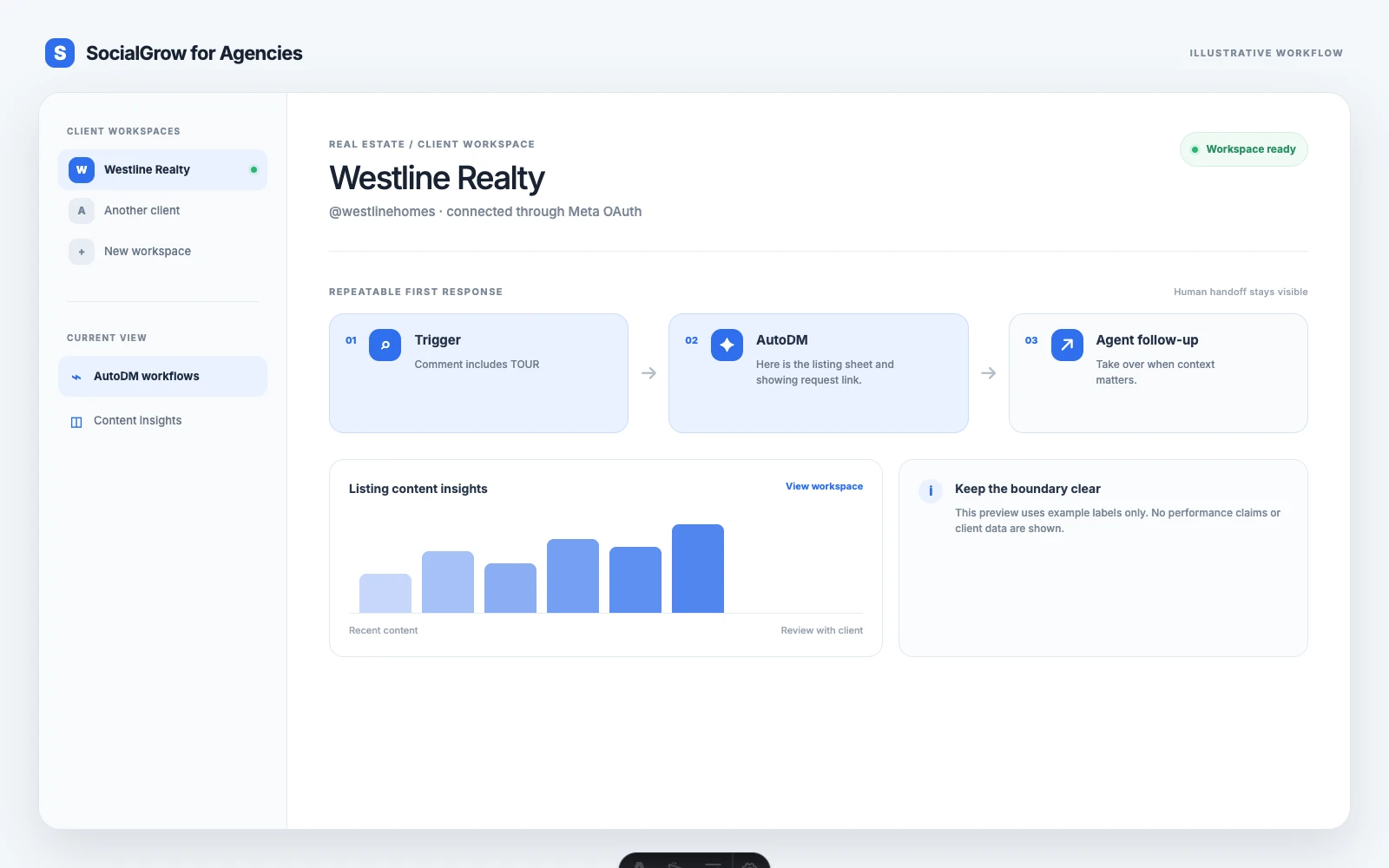
Agencies do not need another generic social media dashboard. They need a clean boundary between client account context, repeatable first replies, and the moments that still need a strategist.
Keep each brokerage or agent account in its own workspace so listing conversations and insights stay attached to the right client.
Use a clear trigger such as TOUR, PRICE, or INFO when a person has already asked for something in a listing post.
Send the requested context first. Leave negotiation, advice, financing questions, and unusual situations to the agent.
Use synced Instagram content and insights in the client workspace to discuss what deserves another iteration.
Use the vertical-specific trigger as a starting point. Keep qualification, advice, and anything sensitive with the client-facing team.
Set up a clear home for the brokerage or agent before connecting the professional Instagram account through Meta OAuth.
Choose a repeatable trigger and write a useful first reply: the property link, a fact sheet, an open-house detail, or the next question.
Offer a human reply or the client’s existing showing/contact path. Automation should reduce delay, not pretend to be the agent.
Bring the client’s content and Instagram insights into the review loop so the agency can improve the next listing or local-market post.
The page is intentionally specific about what the current agency pilot does and where your existing tools still belong.
Available now
Client workspaces, secure account connections, AutoDM workflow creation and editing, and Instagram content insights.
Keep in your stack
MLS/CRM records, showing calendars, contracts, property feeds, and the final sales conversation remain with your existing systems and team.
Coming next
Content Planner, client approvals, broader campaign operations, and expanded agency administration are not presented as live features here.
Good fit
Agencies managing repeatable Instagram enquiries across multiple agents, brokerages, or property campaigns.
Use these guides to build the surrounding content system, then bring the workflow to a walkthrough.
The agency operating model for listings, handoffs, and lead reporting.
Read the guideA practical guide to replies, qualification, and showing conversations.
Read the guideQuestions that help an agent understand intent without over-automating.
Read the guideA content and follow-up plan for property events.
Read the guideThe broader content strategy behind the lead workflow.
Bring one real client account and one repetitive Instagram conversation. We’ll map what can be automated and what should stay with a person.
The first response to a clear, existing enquiry: for example, sending a listing detail after a person comments INFO or TOUR. Advice, negotiations, financing questions, and sensitive client situations should stay with a person.
No. SocialGrow covers the Instagram operations layer: client workspaces, account connections, AutoDM workflows, and content insights. Keep property records, showing schedules, and sales activity in the systems your team already uses.
Create the client workspace and connect the professional Instagram account through Meta OAuth. SocialGrow does not ask the client to share an Instagram password.